Free Online YouTube Video to Text Transcriber | AskSia AI
Turn any YouTube video into structured, editable text instantly—just paste the link and start learning smarter.


Why Choose AskSia Transcribe Youtube Video
🔗 Paste Any YouTube Link, Get Instant Text
Simply copy the URL of any public YouTube video—lectures, tutorials, panel talks—and AskSia will transcribe it in seconds. It handles long-form videos, timestamps, and academic language with ease.
💬 Go Beyond Transcription—Summarize, Question, Create
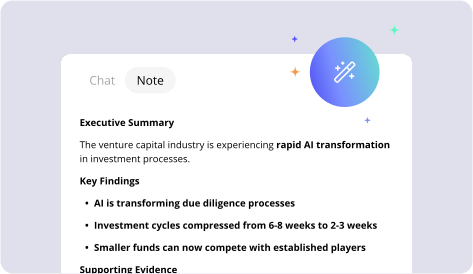
Once transcribed, AskSia allows you to generate summaries, ask questions about the content, or even convert your transcript into flashcards, mind maps, or essays. Ideal for deep study, exam prep, or active learning workflows.
🗂️ Save, Categorize, and Revisit Anytime
Every transcript is saved to your AskSia workspace, where you can tag by subject, annotate key concepts, and reuse across assignments or future reviews. Whether you’re on desktop or mobile, your learning is always in sync.
🪄 Reuse in Personal Knowledge Library
Every transcription you create will become a part of your own searchable knowledge base. You can revisit key moments, highlight insights, ask follow-up questions, or turn transcripts into summaries, flashcards, and study guides. Over time, AskSia learns your style and helps you study more efficiently.
How to Use AskSiaTranscribe Youtube Video

Paste the YouTube Video Link
Copy and paste any public YouTube URL into AskSia. No login or extension required.

Instant Transcription Begins
AskSia converts the audio into clean, speaker-aware paragraphs, even for long or complex videos.

Interact and Learn from the Transcript
Ask questions, summarize key points, or generate diagrams and notes directly from your transcript.
Education AI — Tools Students Use Daily
Join over 200,000+ college students and save hours of study time each week. Try AskSia's AI tools online today to boost your learning efficiency.