

Web App
Your full workspace for materials, coursework and revision.
Open Web App

Your study workspace runs on the web, in your browser and on your phone, with the same files, history and limits. Sia Agent is the desktop tutor for exams and deep study, powered by credits. Start with your coursework, a lecture or the exam ahead.
See Available FeaturesYour full workspace for materials, coursework and revision.
Open Web App
Sync LMS courses and use your study tools in the browser.
Choose Your Browser
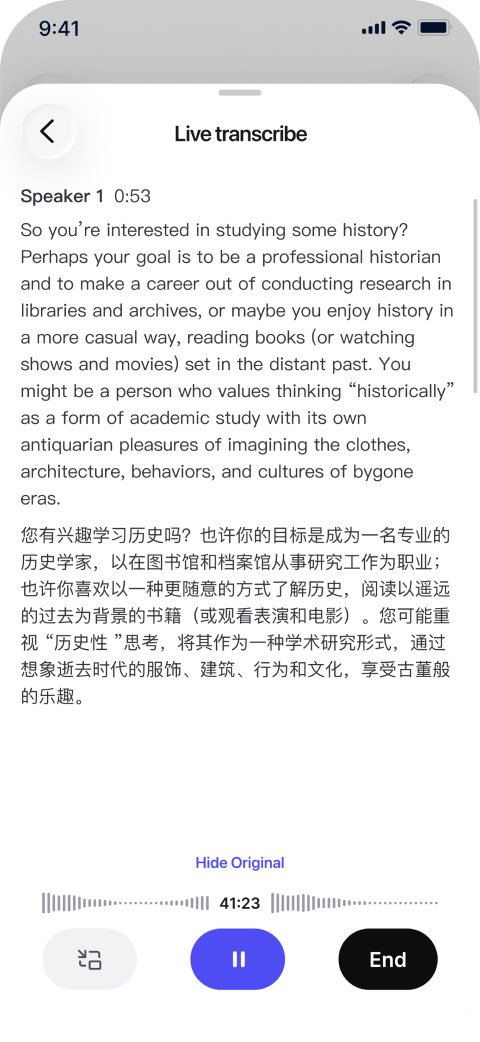
Record lectures, translate live and study from your files.
Get the Mobile App
Your desktop tutor for live lessons, exam preparation and work with course files.
Get Sia Agent AskSia Web App The full study workspace
Import courses with the browser extension, start a session from AskSia Library, upload your own files or transcribe a lecture online. Organize everything by course, ask questions and turn your materials into summaries, notes, quizzes, flashcards and essays.
• Create study visuals and work on essays with source checks.
• Translate documents while preserving their layout, then export PDFs with annotations.
• Ask Sia to send an email reminder for a study task.
• Preview an exam plan on the web, then continue with the full prep experience in Sia Agent.
Best for Your main workspace for everyday coursework and revision.
Chrome · Edge · SafariSync course materials from your learning management system in one click, then use them in the extension, Web App or Mobile App. Ask questions, transcribe live, and create quizzes, flashcards and essays in your browser. Upload and organize materials, make summaries and notes, and set reminders as you study.
Use Study Guide, AI Detector and LinkedIn Headshot from your browser study tools.
LMS sync is available on any paid plan. Supported content depends on your LMS and browser version. Your extension sessions appear in your Web App history.
Best for Students whose readings, slides and course files live in an LMS.
AskSia Mobile App iOS · AndroidCapture the lecture with Class Mode, transcribe it and follow along with live translation. Ask Sia about a question or a file, review the summary and turn your materials into quizzes, flashcards and essays. Your files, folders and session history stay with your AskSia account across web and mobile.
Follow along with live translation in 35 languages, without a separate translation-minute charge.
• Ask about a homework photo, a question or the files you have added.
• Summarize files, create study visuals and generate quizzes, flashcards and essays from a session.
• Find your course materials in My Files, Folders and Recents.
Courses synced through the extension are available on your phone. Start a session from AskSia Library on the web, then find that session in your history on mobile.

iOS
Scan to download

Android
Scan to download
Scan to get AskSia on your phone


Best for Lecture capture, questions during class and revision on the go.
Sia Agent Mac · WindowsBuild an exam plan with Test Prep, work through a topic out loud with Live Tutor, or turn course files into a cheat sheet with Copilot. Sia Agent is a separate desktop product, using your existing AskSia login.
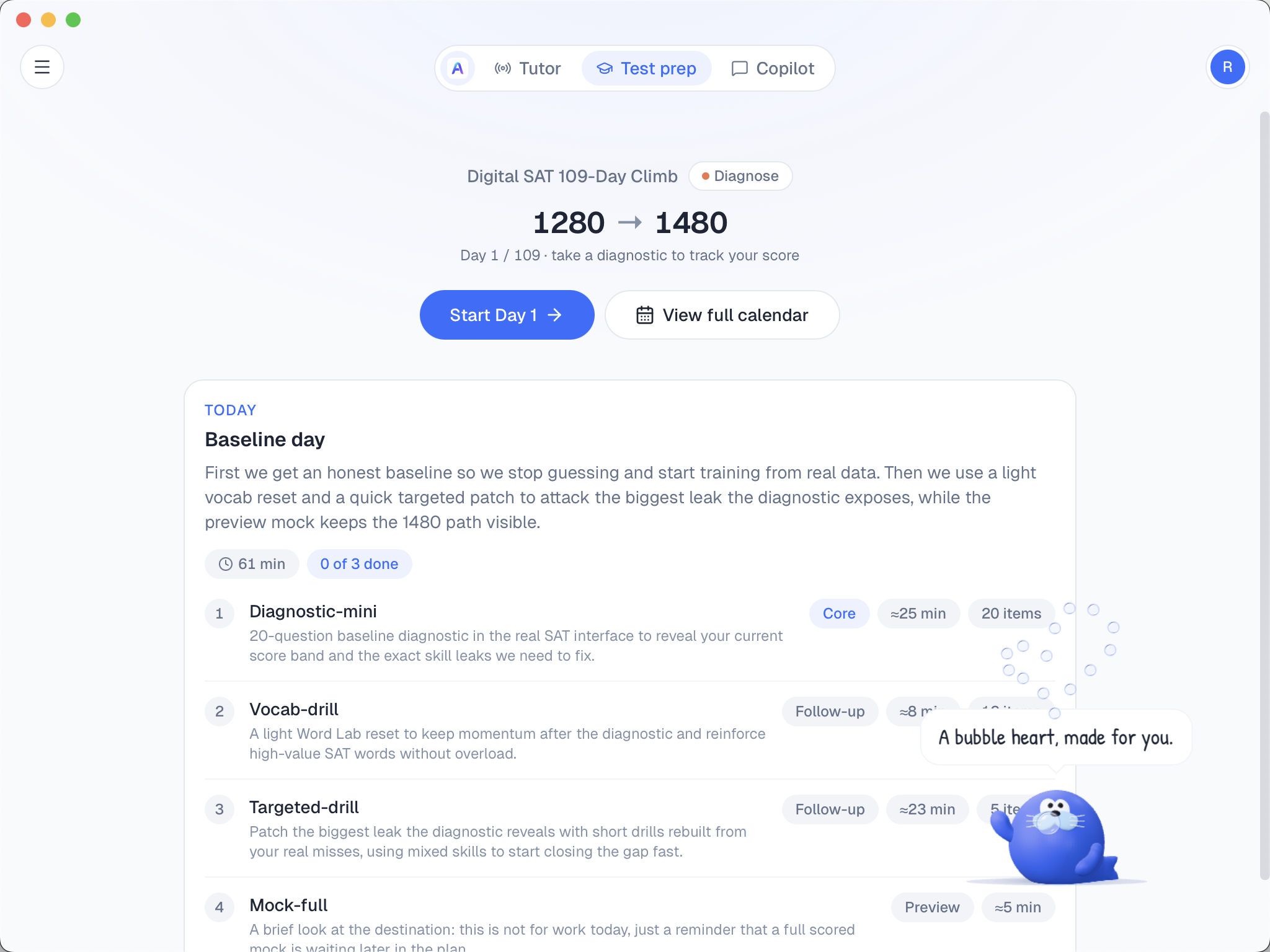
Test PrepPrep for the SAT, ACT, PSAT, AP, IB, A-Level, TOEFL and IELTS. Set your target and test date, then follow a day-by-day plan with daily drills, mock exams and a prediction exam before test day. Each exam unlocks separately.
Review exam flashcards where available and get rubric-based feedback on exam writing and free-response questions. The SAT exam pack is $79; the prediction exam requires paid access.
Complete your SAT prep plan. If your official score is below your predicted score, you may qualify for a full refund of your SAT exam pack. Terms apply.
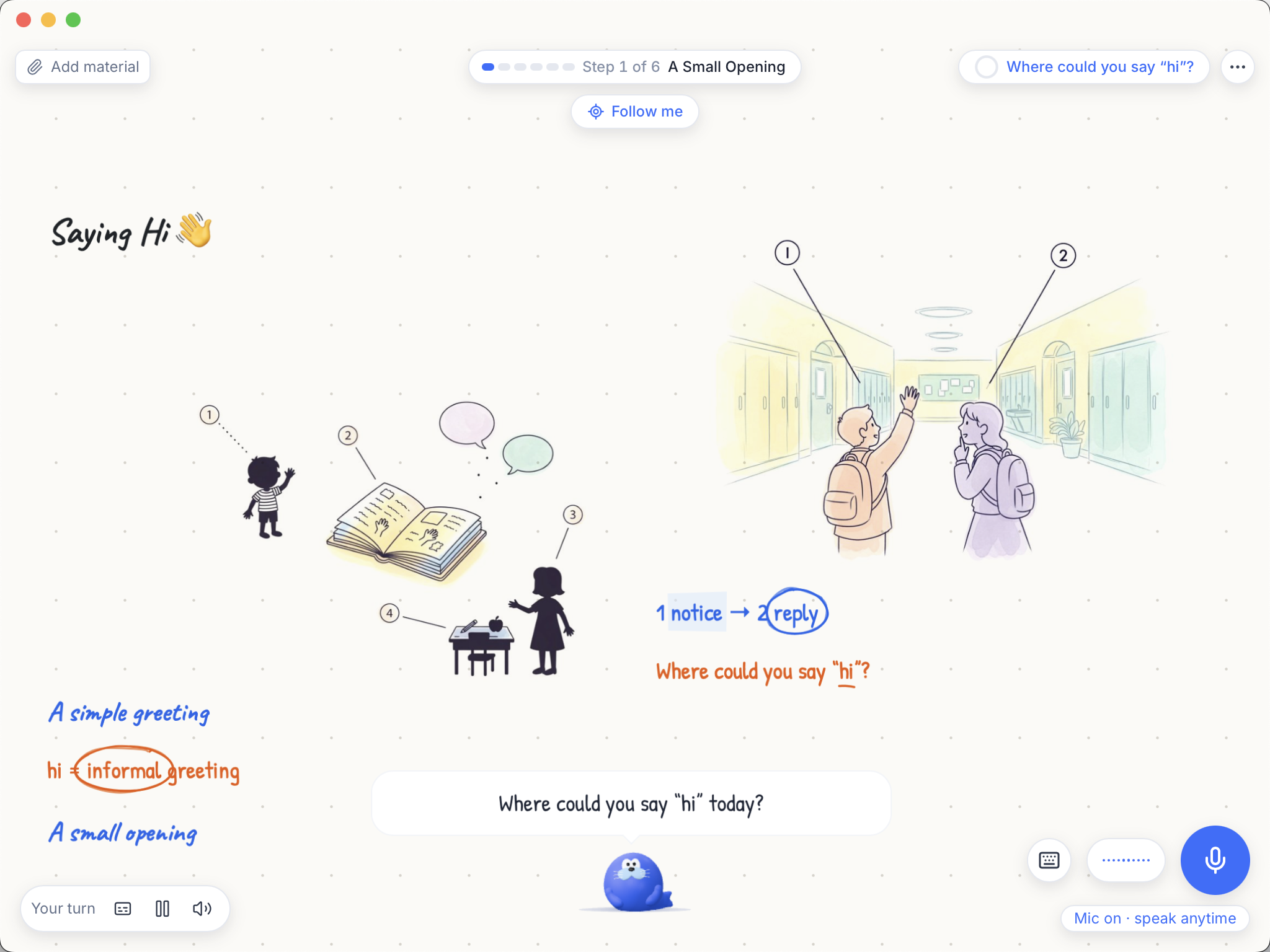 Live Tutor
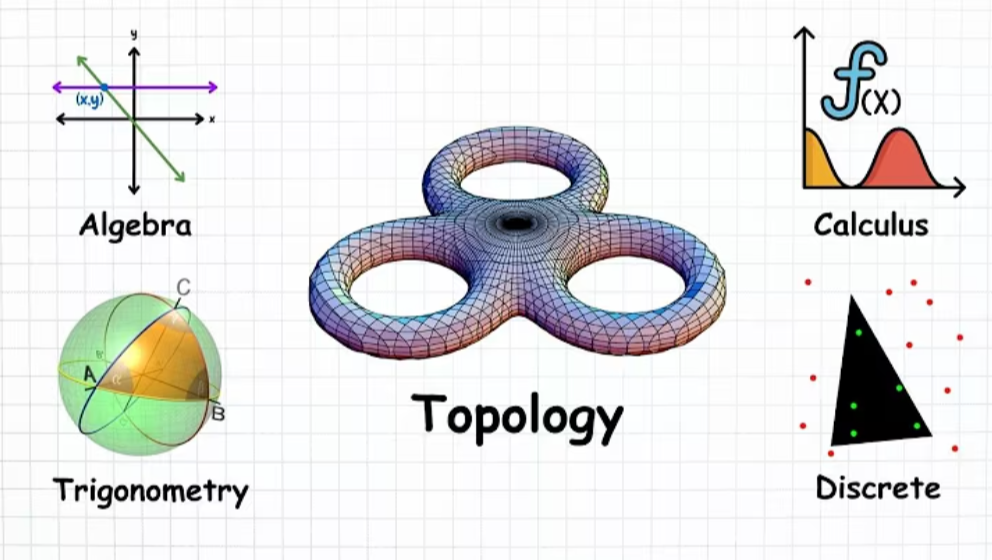
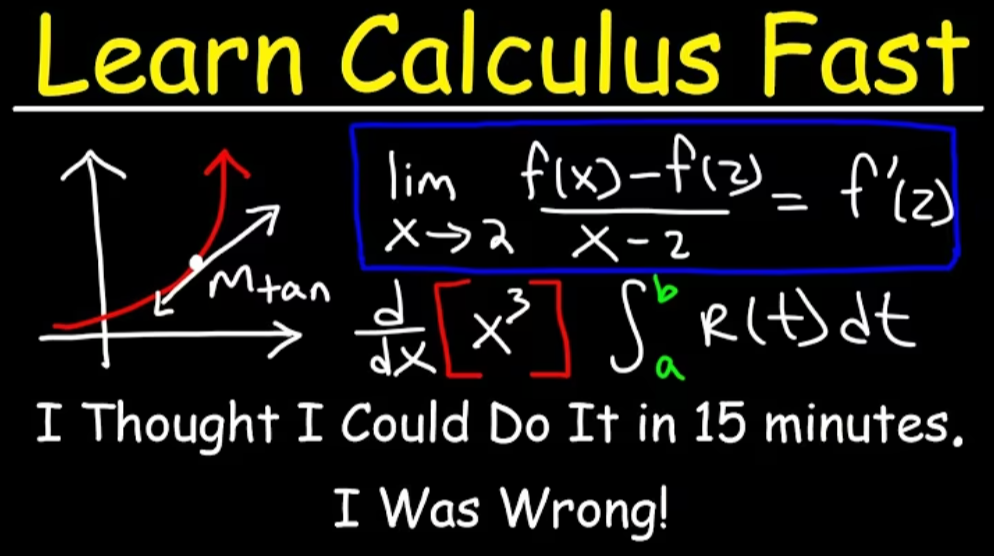
Start with a PDF, a homework photo or a topic. Sia explains it out loud while drawing on the board, and you can interrupt to ask a question. Switch to speaking practice to compare your words with a better way to say them.
Readable graphs and a clear lesson board help you follow along. Save board images named after your lesson for a visual recap.
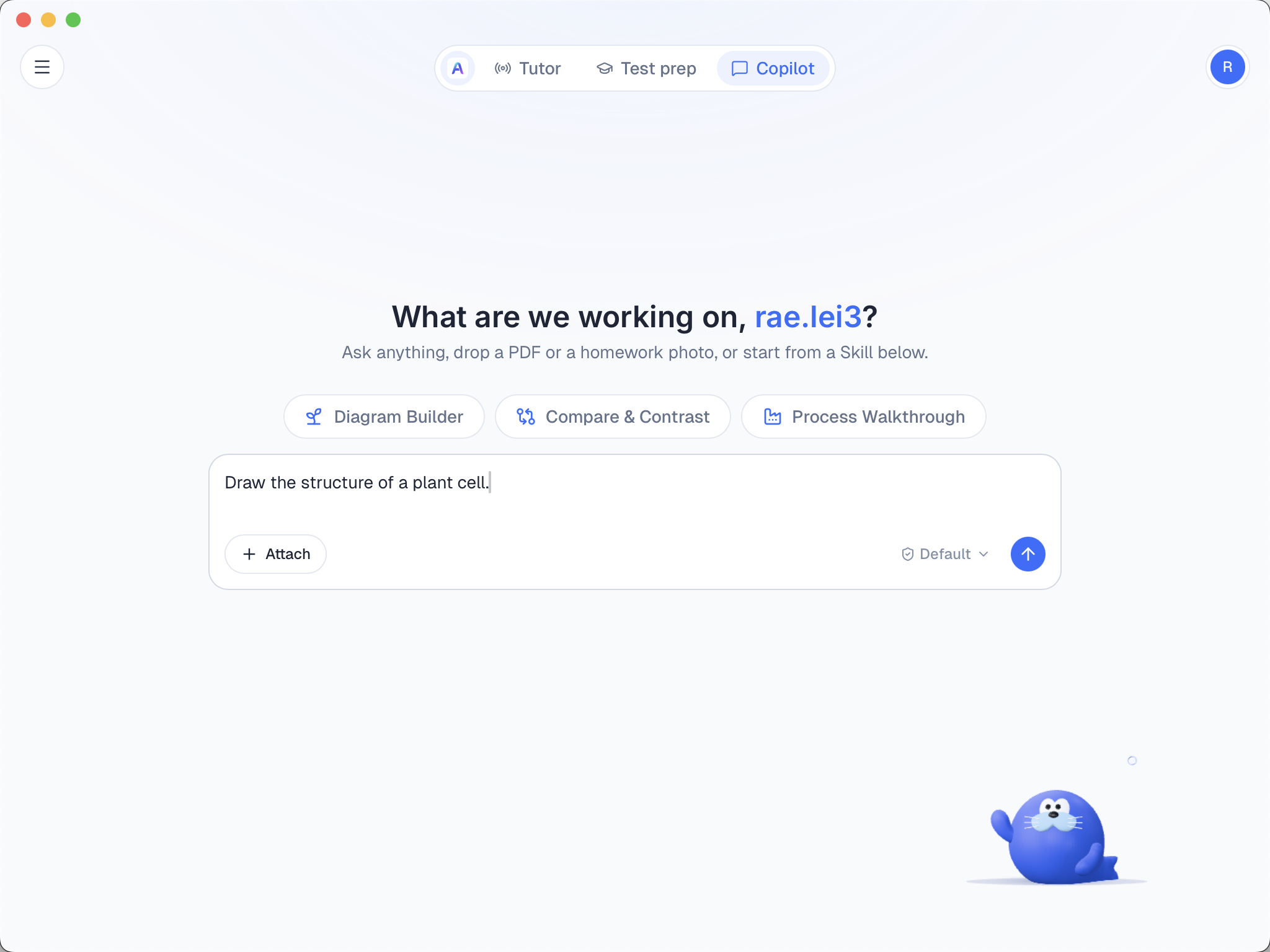
Ask anything, drop a PDF or a homework photo, or start from a Skill below.

Sia talks you through the topic while drawing it on the board.

Bring a PDF, a homework photo or lecture notes to the lesson.

See your words beside a better expression, with changes highlighted.

Press Space or click Interrupt to stop Sia and take your turn.
CopilotAsk questions, work with files on your computer and turn lecture materials into a printable cheat sheet. Use Copilot to find and read public AskSia Library resources alongside the files you choose for the task.
• Read, write and organize files on your computer.
• Bring in course files from Downloads and other local folders.
• Create a printable cheat sheet from your lecture materials.
• Find and read public AskSia Library resources through Copilot.
 How the products connect
Agent welcome credits: Download the desktop app and visit its claim page to collect 1,000 credits once per account, on any workspace plan. A+ does not add another bonus.
AskSia LibraryExplore online course and exam resources in AskSia Library. Select Start a Session to open a resource in the Web App, then continue that session from your history on mobile. In Sia Agent, Copilot can find and read public Library resources.
Preview available resources. Full access depends on the resource and your plan.
Available features| Feature | Web App | Extension | Mobile App |
|---|---|---|---|
| Q&A | ✓ | ✓ | ✓ |
| Live Transcribe | ✓ | ✓ | ✓ |
| Quiz | ✓ | ✓ | ✓ |
| Flashcards | ✓ | ✓ | ✓ |
| Essay | ✓ | ✓ | ✓ |
| Test Prep Plan Preview¹ | ✓ | – | – |
| Material Upload | ✓ | ✓ | ✓ |
| Material Organization | ✓ | ✓ | ✓ |
| Summarize | ✓ | ✓ | ✓ |
| Notes | ✓ | ✓ | – |
| LMS One-click Sync² | – | ✓ | – |
| Use Synced LMS Materials | ✓ | ✓ | ✓ |
| Library Access³ | ✓ | – | – |
| Reminder | ✓ | ✓ | – |
| Study Guide | ✓ | ✓ | – |
✓ Supported / — Not supported. Features and usage limits depend on your plan and version.
¹ Web creates a sample exam plan. The full plan, daily drills, mock exams and prediction exam run in Sia Agent.
² LMS sync runs through the extension on a paid plan; synced materials work across all three workspace apps.
³ Library sessions start on the web and remain available in mobile history.
Workspace + Sia AgentUse the workspace for your coursework. Add Agent for live explanations, a full exam-prep journey and work with files on your computer.
| Feature | Study Workspace⁴ | Sia Agent |
|---|---|---|
| Live Tutor | – | ✓ |
| Speaking Practice with Live Tutor | – | ✓ |
| Full Test Prep Plan and Daily Schedule | – | ✓ |
| Daily Exam Drills | – | ✓ |
| Mock Exams and Prediction Exams | – | ✓ |
| Local File Management with Copilot | – | ✓ |
| Cheat Sheet from Your Files | ✓ | ✓ |
| Q&A | ✓ | ✓ |
| Quiz / Exam Drills¹ | ✓ | ✓ |
| Flashcards² | ✓ | ✓ |
| Essay / Exam Writing² | ✓ | ✓ |
| Material Upload | ✓ | ✓ |
| Material Organization | ✓ | ✓ |
| Summarize | ✓ | ✓ |
| Library Resources³ | ✓ | ✓ |
| Live Transcribe | ✓ | – |
| Notes | ✓ | – |
| Reminder | ✓ | – |
| Study Guide | ✓ | – |
✓ Supported / — Not supported.
⁴ Study Workspace means the feature is available in at least one of Web, Extension or Mobile. View all 19 features for the complete comparison.
Study toolsAlready know what you want to do? Start with a specific tool, or open the Web App to work with your materials in one place.

Turn lecture audio into text and follow along with translation.
Pull the key ideas out of PDFs, slides and readings.
Turn a video into a summary you can study from.
Work through a question with step-by-step explanations.
Get help understanding a subject or difficult concept.
Check your understanding with practice questions.
FAQStart with the Web App for the full study workspace. Use the extension to sync LMS courses and study in your browser, or the mobile app to record lectures and work with your files on the go. Add Sia Agent for live tutoring and a full exam-prep plan.
Sia Agent is the Mac and Windows desktop tutor with Live Tutor, Test Prep and Copilot. The AskSia app on iOS and Android is the mobile version of your study workspace, with lecture transcription and tools for learning from your files.
Plus, Super and A+ cover the Web App, extension and mobile app. Sia Agent uses the same account but separate billing through credits and exam packs. Every account can claim 1,000 welcome credits once after downloading the desktop app; A+ does not add an extra allocation.
No. You can use Web or Mobile directly. Add the extension for one-click LMS sync and browser study tools, including Q&A, live transcription, quizzes, flashcards, essays, materials, summaries, notes and reminders. LMS sync is available on a paid plan.
Yes. Materials synced through the extension are available in the Web App and Mobile App. For Library resources, select Start a Session on the web, then continue that session from your history on mobile.
The Web App helps you create a sample exam plan. Your full day-by-day plan, exam drills, mock exams and prediction exam run in Sia Agent. Each exam unlocks separately, with exam-specific flashcards and writing practice where available.
Transcription is its main focus, alongside live translation, Q&A, file summaries and study visuals. Add a file to a session to generate quizzes, flashcards and essays, and keep your materials organized in files and folders.
Open your study workspace for today’s coursework, or get Sia Agent for the topic or exam you want to tackle next.