Open Everytime, logged in as you
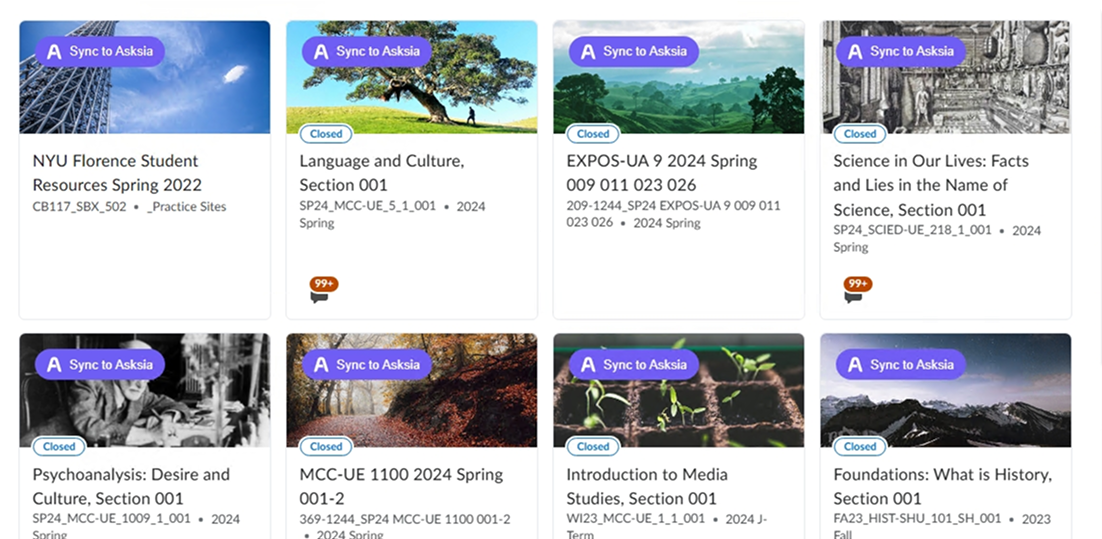
Open everytime.kr in Chrome as usual. The extension adds a purple Sync to Asksia button to your timetable course and to 자료실 / 강의평가 posts you open.
read-only · never postsInstall the extension and a purple Sync to Asksia button appears on Everytime (에브리타임). Bring your 시간표 courses and the 강의평가 / 자료실 material you're viewing into Sia — then translate it into English or 中文, make flashcards, and turn your week into a study plan.
Open everytime.kr in Chrome as usual. The extension adds a purple Sync to Asksia button to your timetable course and to 자료실 / 강의평가 posts you open.
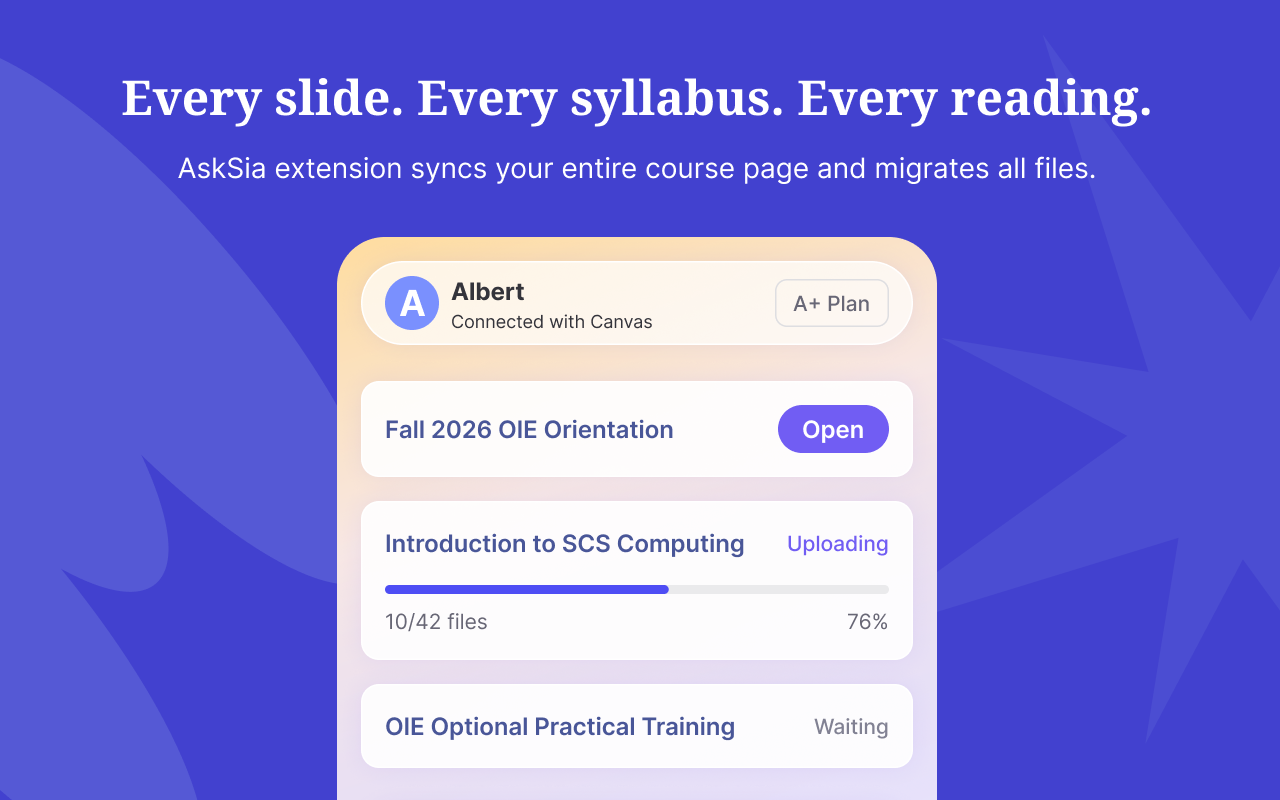
read-only · never postsClick it on a course block or a post you're viewing. AskSia reads only that content into your study space. It never spends your points, votes, or writes anything back.
you choose what syncsSia translates and explains the Korean material in English or 中文, builds flashcards and practice questions, and turns your timetable and deadlines into a study plan.
translate · flashcards · planSync a 강의평가 or 자료실 post and read it in English or 中文 — with the key terms explained, not just translated.
Sync your 시간표 and Sia organizes your real classes, builds reminders, and plans review around your week.
Turn the notes and exam-prep material you sync into spaced-repetition flashcards and exam-style practice questions.
Chat with Sia about the material you synced — answers cite the exact post or slide you brought in.
Never posts, comments, votes, or spends your Everytime points. It only reads the content you choose to sync.
Works on top of the account you're already logged into. AskSia never sees or stores your Everytime login.
Syncs one thing at a time, only when you click. No background crawling, no bulk export of other students' posts.
Published on the Chrome Web Store, with a verified publisher and clean record. 4.8 stars from 2M+ students. Uninstall anytime.
Everytime is South Korea's largest university community and class-timetable app, operated by Vinu Labs and used by millions of students across hundreds of campuses. Each school has its own verified community where students build timetables, write course reviews (강의평가), share past exams and notes (족보 / 자료실), and post on anonymous boards.
Yes. The AskSia Chrome extension adds a Sync to Asksia button on Everytime so you can bring your own timetable courses and the study materials you're viewing into Sia, your AI study partner. It is read-only and only syncs what you choose.
Yes. AskSia never posts, votes, spends your Everytime points, or changes anything in your account. It only reads content you can already see, and only when you click sync. It never asks for your password.
That's exactly the use case. AskSia can translate and explain Korean course reviews, lecture notes, and exam-info posts you sync, so you can understand the material and study from it in English or 中文.
Your own timetable courses (names, codes, times) and a study-material or course page you're currently viewing — turned into summaries, flashcards, and practice questions. AskSia does not crawl or export the whole community.
강의평가 are student-written course and professor reviews and ratings. 족보 (jokbo) are shared past-exam materials and exam-strategy info. Students earn points by posting and spend points to view exam info.
Yes. Everytime is a closed community that verifies you as an enrolled student of a specific school, and each campus has its own separate feed. AskSia works on top of the account you're already logged into.
AskSia is designed to stay within bounds: it's personal, on-demand, read-only sync of your own timetable and material you choose to view — not bulk scraping or redistributing other students' uploads. AskSia has no official partnership with Everytime or Vinu Labs.
Free Chrome extension. Works on Everytime (에브리타임). Read-only, personal, on-demand. No AskSia account needed to install.
Install free on Chrome